Already own OmniNotch? 2.0 is a free update. Download it
Updating from an earlier version? When macOS asks about your saved OmniNotch license, click Allow, then Always Allow. Don’t re-enter your key; your license carries over. macOS may also ask again for permissions like Calendar, Camera, Location or Accessibility.
What’s included.
Pay once
A lifetime license. No subscription, no account.
Every tool
All twenty tools unlocked from day one.
Up to 3 Macs
Activate on your MacBook, desktop, and one more.
Lifetime updates
Every new tool and fix, free, forever.
Private by design
No telemetry. Your data never leaves your Mac.
7‑day refund
Not for you? Email us for a full refund, no questions asked.
Up and running in a minute.
1
Buy
Lifetime license for $5. The Mac app and your key arrive right after checkout.
2
Download
Install from the setup page or your receipt email. Signed and notarized by Apple. Opens without warnings.
3
Activate
Paste your key once. It unlocks up to 3 Macs and keeps working offline.
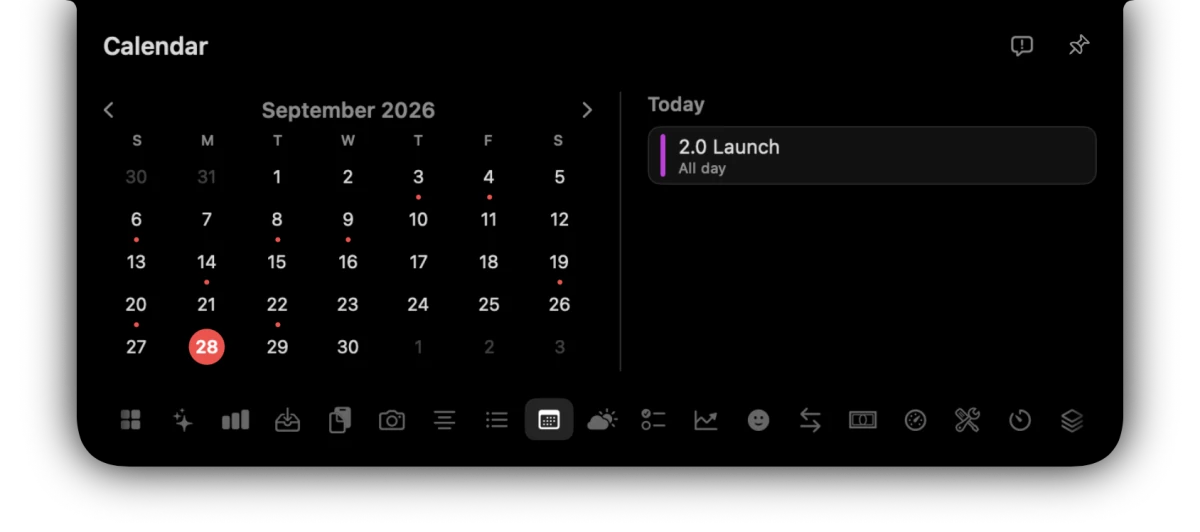
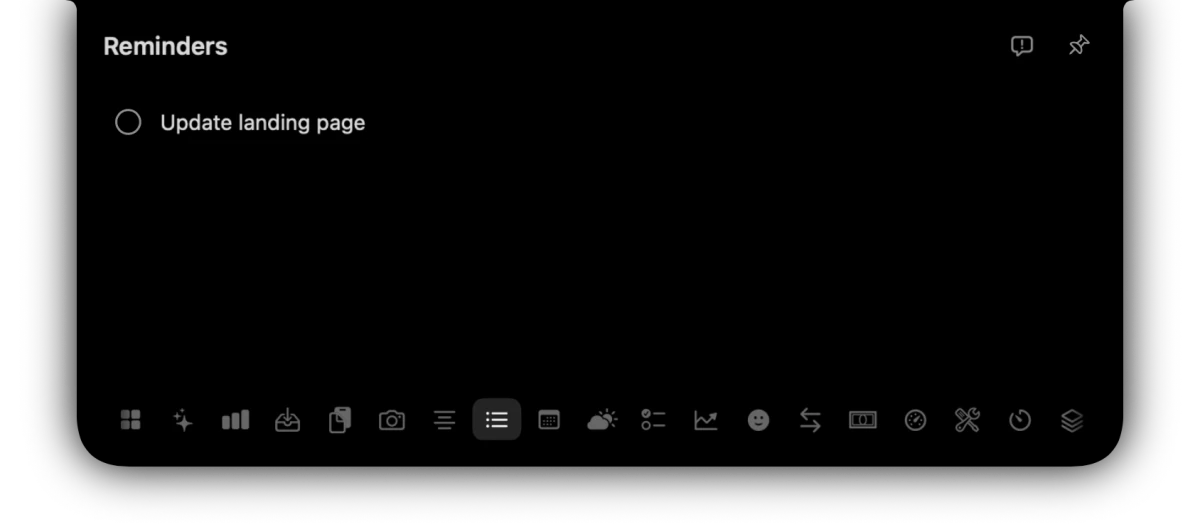
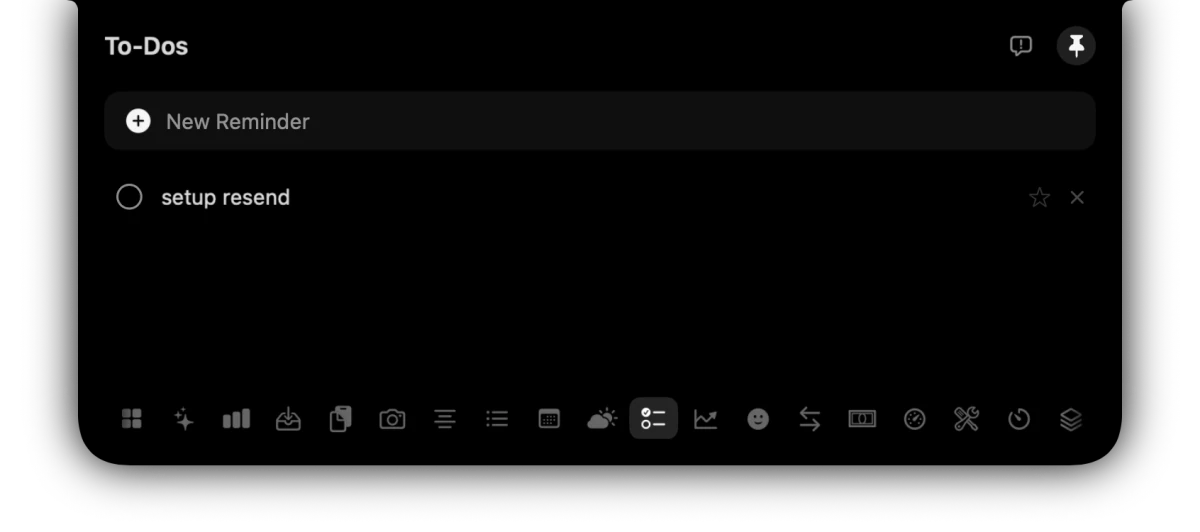
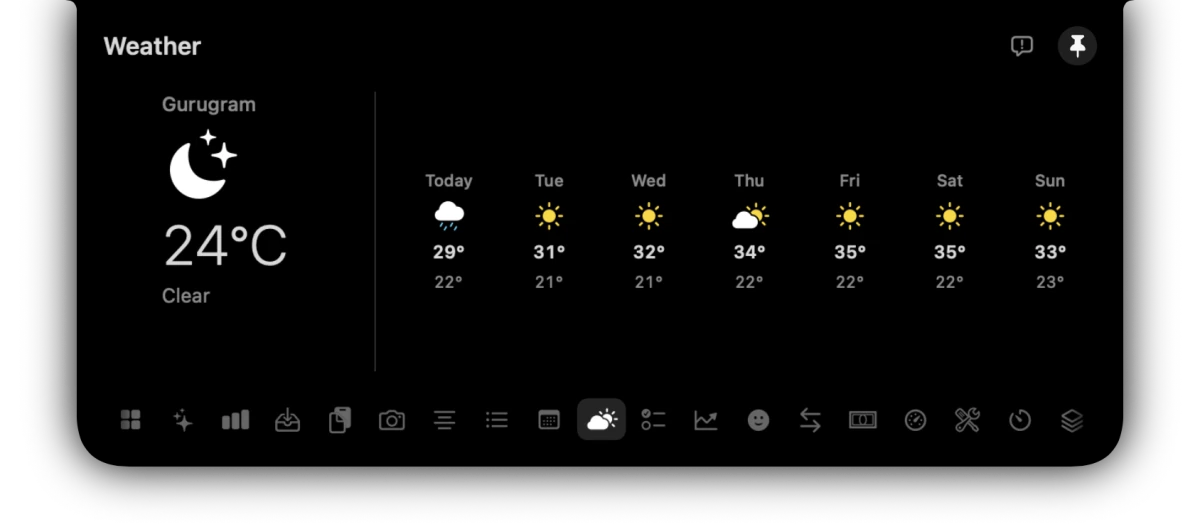
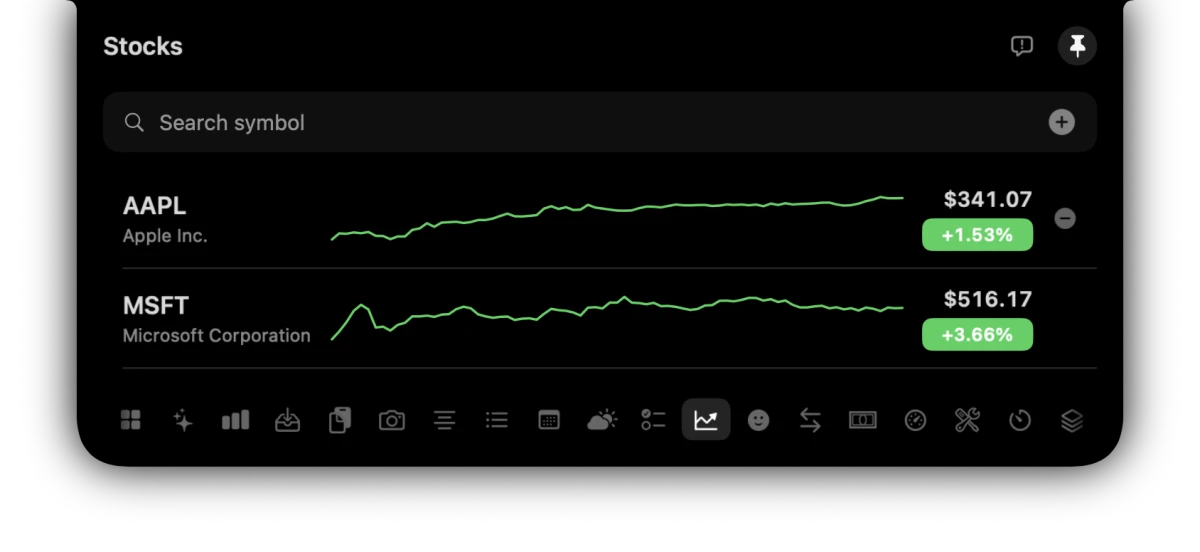
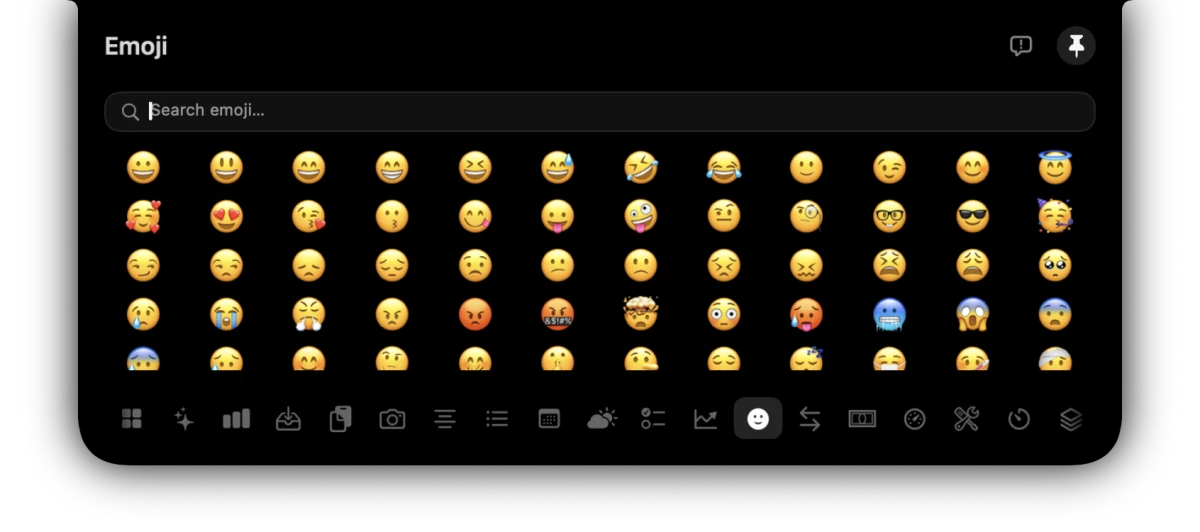
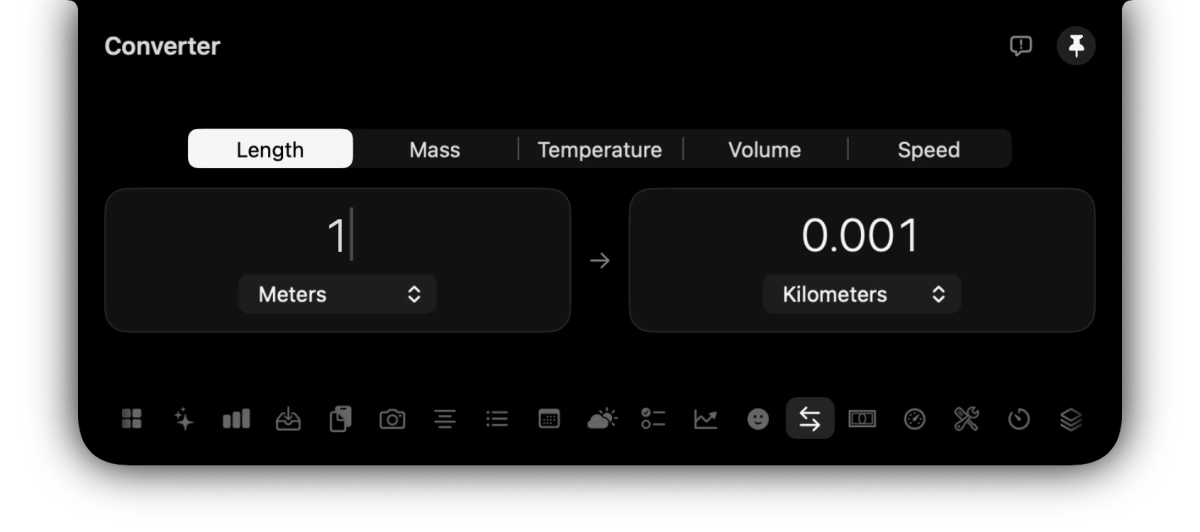
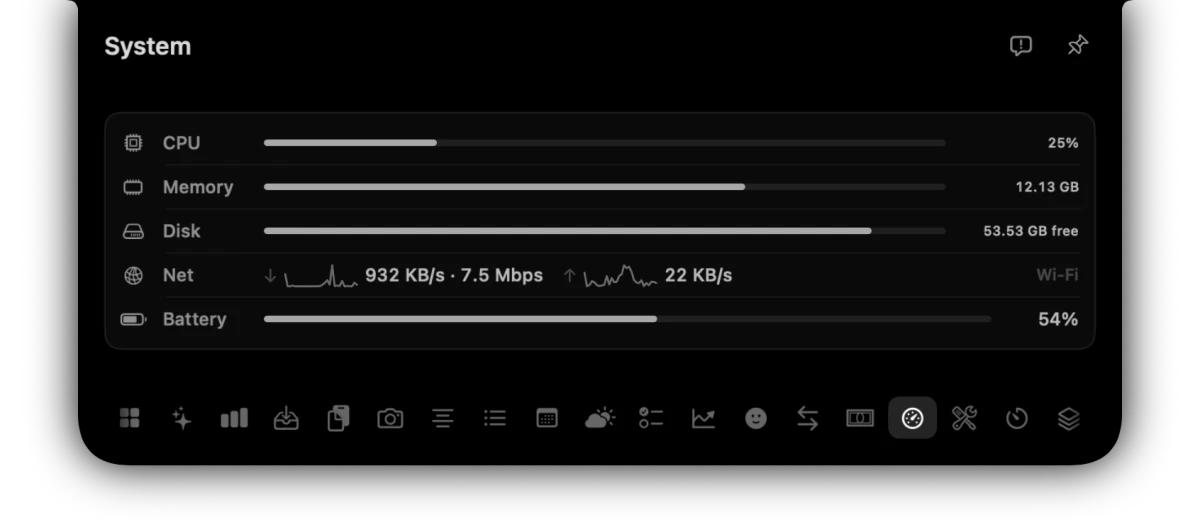
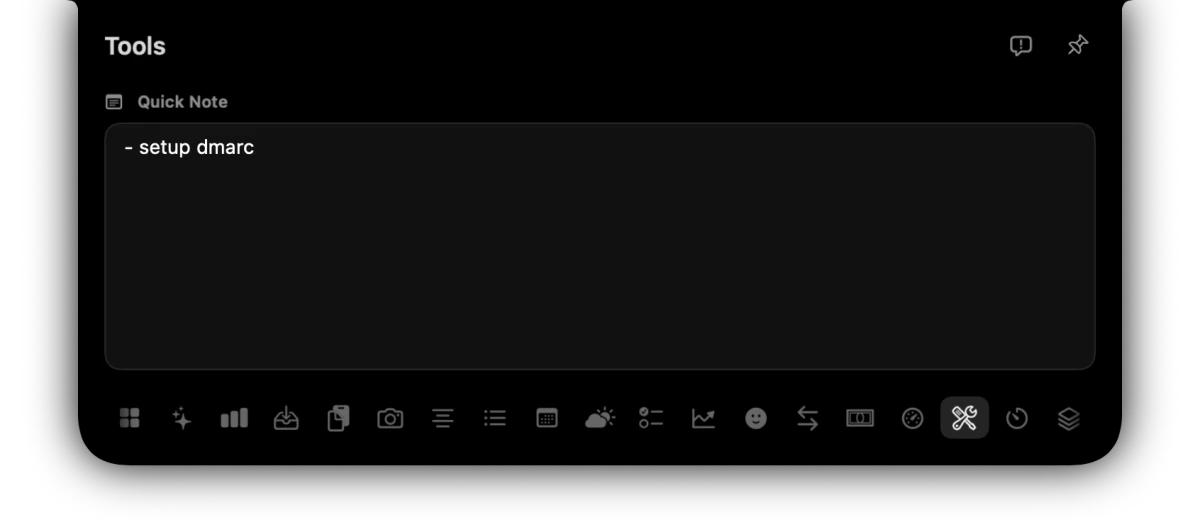
A Mac notch app is a macOS utility that turns the camera notch on your MacBook display into a live workspace. Instead of dead space, it shows tools — now playing, clipboard history, weather, AI chat, system stats — in an interactive panel. OmniNotch opens on hover by default, or on click if you prefer (Settings → Open Notch). It ships twenty tools, including on-device Ask Omni AI, timers, stocks, and a file shelf.
Does OmniNotch open on hover or click?
Both are supported. By default the notch opens when you hover the strip. In Settings → Open Notch you can switch to On Click so it stays closed until you click. Hover Delay still applies when you use hover open.
Which Macs does OmniNotch support?
OmniNotch runs on macOS Sonoma 14 and later, on both Apple Silicon and Intel Macs. On MacBook Pro and MacBook Air models with a physical notch (M1 through M4), the panel lives inside the notch. On notch-less Macs — including older MacBook Pros and Mac desktops — OmniNotch draws its own floating notch at the top of the screen.
Is OmniNotch safe to install?
Yes. OmniNotch is signed with an Apple Developer ID and notarized by Apple, which means Apple has checked it for malware, so it opens without any warnings.
My Mac doesn't have a notch. Can I still use it?
Yes. On notch-less Macs OmniNotch draws its own floating notch at the top of your screen, so every feature still works.
Is it a subscription?
No. It's a one-time payment for a lifetime license, including all future updates. No account, no recurring bill. OmniNotch is $5 flash sale, then $19.99. Checkout may show your local currency; display prices can vary by location.
I already own OmniNotch. Do I pay for 2.0?
No. Every license includes lifetime updates, so OmniNotch 2.0 is free for everyone who has already bought it. Download it again from omninotch.app/download.
I'm updating from an earlier version. What should I expect?
When macOS asks about your saved OmniNotch license, click Allow, then Always Allow. Don't re-enter your key; your license carries over. macOS may also ask again for permissions like Calendar, Camera, Location or Accessibility.
How do I get new versions?
From version 2.4.1, OmniNotch updates itself: when a new version is out it asks you and installs it in a click. You can also check any time in Settings, under Updates. On 2.4.0 or earlier, download the latest version once from omninotch.app/download and drag it to Applications.
Where does my data go?
Nowhere. Clipboard history and dropped files stay on your Mac. There's no cloud and no telemetry — it even skips password-manager and transient clips. Ask Omni runs on-device via Apple Intelligence Foundation Models, so prompts never leave your Mac.
What is Ask Omni?
Private on-device chat in the notch, powered by Apple Intelligence Foundation Models. Rewrite, extract, summarize, and brainstorm without sending anything to a remote server. It requires a Mac with Apple Intelligence enabled.
How does activation work?
After you buy, you're taken to a setup page with the Mac download, and your license key is also emailed. Enter the key once in OmniNotch — it activates on up to 3 Macs, is stored in your macOS Keychain, and keeps working offline.
Checkout sends you to the setup page with a Download for Mac button. The same link is at omninotch.app/download if you need it again. Already purchased? Use that download link anytime — no second payment.
Can I get a refund?
Absolutely — there's a 7-day, no-questions-asked money-back guarantee.
How do I get help?
Email help@omninotch.app — we read every message. License keys, installs, refunds, or anything else.